
Music
The song shows in a small box at the bottom of the TV home screen, and after changing one TV setting you can reach it with the remote to enlarge or hide it.
 MoonCast
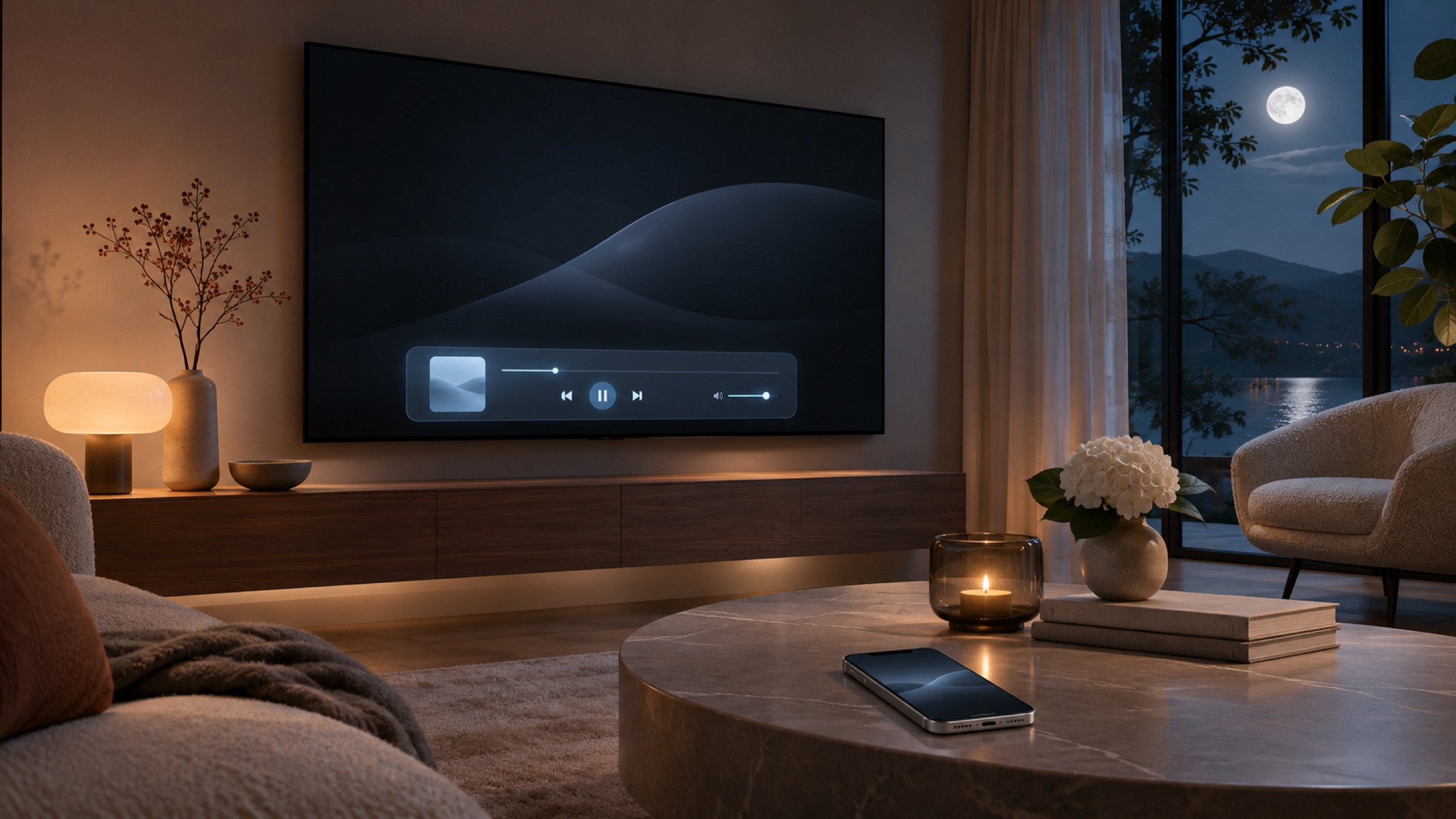
It runs on Android TV and Google TV sets and boxes (Android TV 11 or newer) and shows what you send from an iPhone, iPad or Mac.
The song shows in a small box at the bottom of the TV home screen, and after changing one TV setting you can reach it with the remote to enlarge or hide it.

Videos you send, from the YouTube app for example, play on the TV, and so do photos.

You can also put your whole screen on the TV.
We'll explain here how to install MoonCast on your TV.